
Finocket for Real Estate
Every buyer, deal and brokerage invoice, on your phone.
Keep buyers, sellers and co-brokers in one place, put the agreed brokerage on the deal, bill it with GST, record the TDS you were paid net of, and hand clean books to your CA.
Early access (demo only)A working demo, set up with you. Not yet a finished product for this trade.
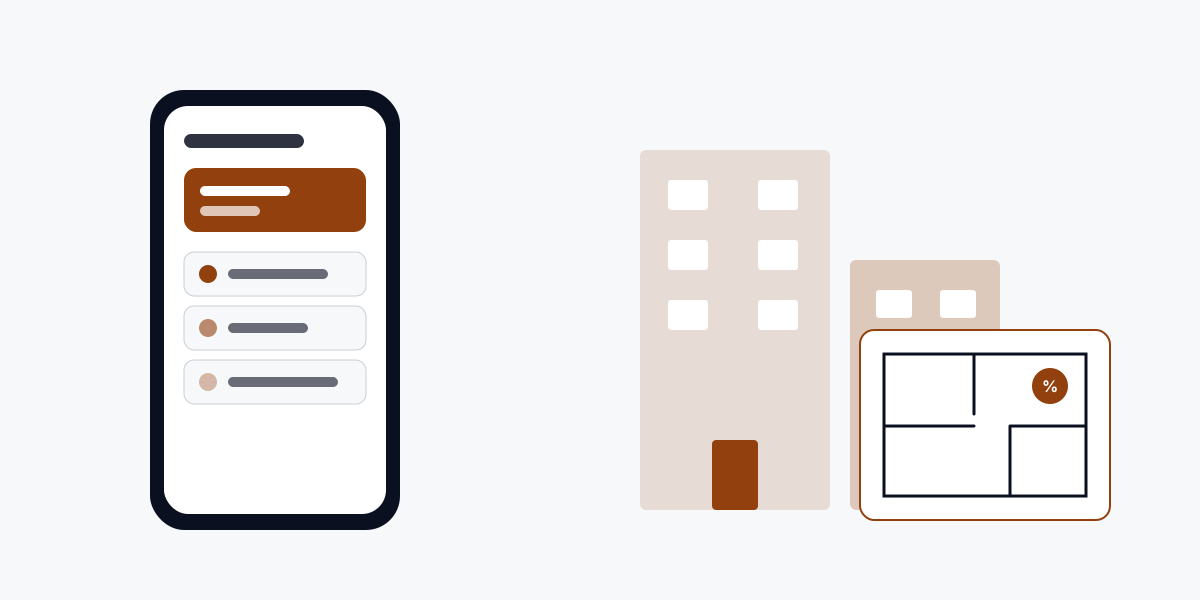
The problems we fix first
Buyer requirements kept in memory
Today: Budgets, localities and property types live in the broker's head and a phone notes app.
With Finocket: Property type, localities, budget, purpose and loan status are fields on the buyer's contact.
Parties to a deal spread across contact lists
Today: Buyer, seller, landlord, tenant, builder and co-broker are just phone contacts.
With Finocket: One contact book with each person tagged by the role they play in the deal.
Site visits not written down
Today: Visits arranged by call and remembered.
With Finocket: Visits logged against a project from the phone; a booking page takes appointments.
How it works, end to end
- Lead and requirement
- Site visit
- Negotiation and deal
- Co-broker
- Billing
- Collections
- Purchases and expenses
- GST
- Accounts and reporting
Built for
- Solo brokers and property dealers
- Small brokerages with 2 to 10 agents
- Rental and leasing brokers
- Channel partners who bill a developer for brokerage
- Property consultants and advisors
What you get
Every party, one contact book
Buyers, sellers, tenants, landlords, builders and co-brokers, each tagged with the role they play in the deal.
What the buyer wants
Property type, preferred localities, budget, purpose and home-loan status on the contact, where your team can see them.
Deals with their terms
Transaction type, property or unit and property state on every deal: resale, new project, rental, lease or plot.
Agreed brokerage on the deal
The brokerage you agreed is a percentage on the deal, so the invoice matches what was promised.
Co-broker and their share
Name the co-broker and record their share on the deal you split.
RERA numbers on record
Type the project's RERA registration number on the deal and your agent number on the invoice. Finocket stores them; it does not verify them.
Brokerage invoices
A GST invoice for each deal's brokerage, with the property and your RERA agent number on it.
TDS on what you were paid
Record the TDS the builder or client deducted when brokerage comes in, so your books match what you received.
Your CA in the workspace
Invite your accountant with the accountant role, and hand over a Tally export at year end.
Questions owners ask
- Is this for developers too?
- Not yet. This is for brokers, property consultants and advisors. Developer needs such as unit inventory, payment plans and the RERA project account are not supported.
- Does Finocket check my RERA number?
- No. You type your agent number and the project's registration number, and Finocket stores them on the deal and the invoice. It does not verify them against a RERA portal or tell you whether you must register.
- Can I bring in leads from property portals?
- Not today. Website forms and Meta lead ads reach the CRM; portal import is not built.
- What GST rate and SAC does it use for brokerage?
- Whatever you and your CA set. Finocket does not preset a brokerage rate or SAC code.
- Does it handle HR and payroll for my agents?
- No. Staff HR and payroll belong to ashr.work.
Other trades on Finocket
Related trades
Part of Demystify
Finocket is a product of Demystify Systems, and it runs on the Demystify OS platform.