
Finocket for Contractors
Bill what you measured. Know what each site earned.
Raise Running Account Bills with measured quantities, keep site and work order references on every bill, record the TDS your client deducted, and see profit site by site.
The problems we fix first
Running bills are typed up in Excel from the site engineer's measurement sheets
Today: Measurements are written in a register at site, copied into a spreadsheet, then retyped into Tally or a Word bill format
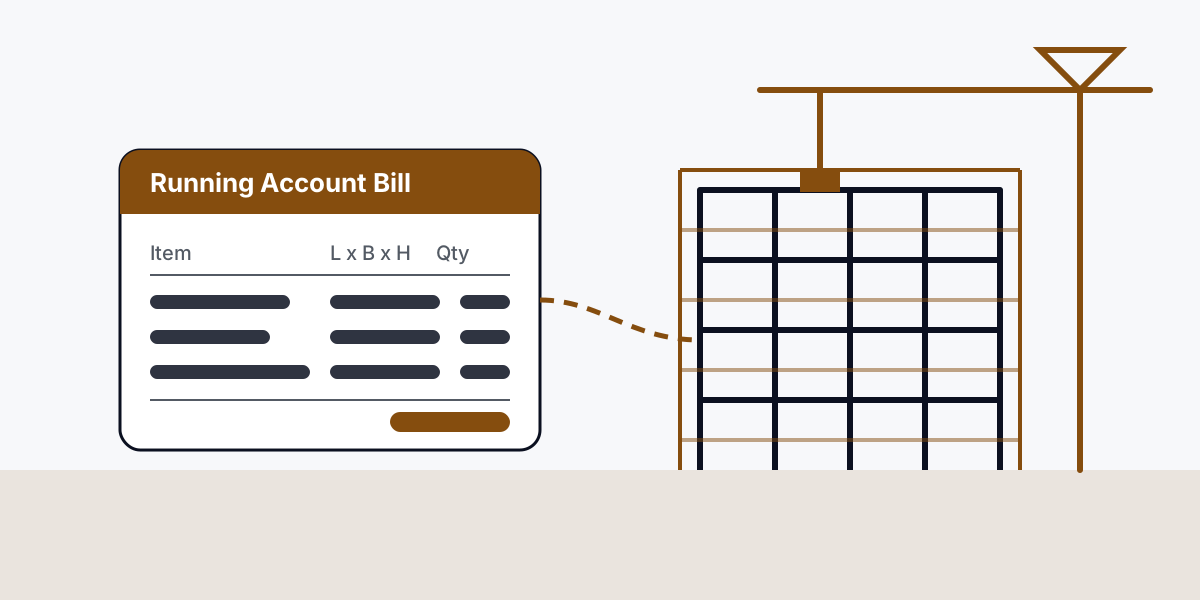
With Finocket: Raise the Running Account Bill once with L x B x H or area lines and a rate per unit, with the RA bill no., bill period and measurement-book ref. printed on it
The client pays net of TDS and nobody can say which bill it belongs to
Today: Bank credits are matched to bills by memory; TDS is chased in Form 26AS at year end
With Finocket: Record each payment with the TDS the client withheld so the bill closes at gross and the TDS stays visible as a receivable
TDS on sub-contractor payments is worked out by hand
Today: The accountant deducts by rule of thumb, deposits late and prepares the quarterly return from a sheet
With Finocket: Deduct TDS when you pay a sub-contractor, record the deposit and keep the return data ready
How it works, end to end
- Estimate and work order
- Purchase
- Stock and site material
- Site progress
- Measurement and billing
- GST and e-invoice
- Collections and client TDS
- Sub-contractor payments
- Accounts
- Reporting
Built for
- Civil and building contractors
- Interior fit-out contractors
- Electrical, plumbing and HVAC contractors
- Road and infrastructure sub-contractors
- Labour-and-material contractors working for builders and government clients
What you get
Running Account Bill
Bill what was measured: L x B x H, area or running length at a rate per unit, printed on a Running Account Bill with the RA bill number and bill period.
Site and work order on every bill
Each bill carries the site, the work order number and date, and a location on every line, so the client's engineer can check it against the order.
Measurement book and BOQ references
Type the measurement-book page and the BOQ item number a line bills against. They print on the bill; Finocket does not compute cumulative quantities from them yet.
SOR / DSR item codes
Keep the schedule-of-rates code a rate was quoted against on the item, so estimates and bills use the same reference.
Site-wise profit and loss
Tag income and costs to a site or project with cost centres and see what each site actually earned.
TDS both ways
Record the income-tax TDS a client withheld on payment, and deduct TDS on what you pay sub-contractors and prepare the return.
GST, e-invoice and e-way bill
GST bills with SAC per line, e-invoice (IRN) for clients who need it, and e-way bills for material moving to site.
Books your CA can take
Hand over the books and reports at year end, or export to Tally, without retyping a bill.
Related trades
- Warehousing & C&F distributionSample business: A Nagpur C&F warehouse where the floor and the books agree
- General Engineering / Job-work ManufacturingSample business: A Coimbatore job-shop that knows the cost of every shaft
- FMCG DistributionSample business: A Madurai FMCG distributor replacing Tally-plus-Excel