
Projects
Group work and expenses under client projects
Bundle the invoices, expenses and time for a piece of client work under one project, so you can see what each engagement actually earns.
What it solves
A single client can have three jobs running at once, and 'are we making money on this one?' is impossible to answer when the invoices and costs are scattered across the ledger. Group them under a project and the profit on each piece of work stops being a guess. You see the billings, the expenses and the tracked time in one place.
How we're different
Projects aren't a separate tool with their own database. They sit on the same client record as your invoices, expenses and timer. So the numbers you read on a project are the real ones from your books, with no parallel estimate to keep in sync by hand.
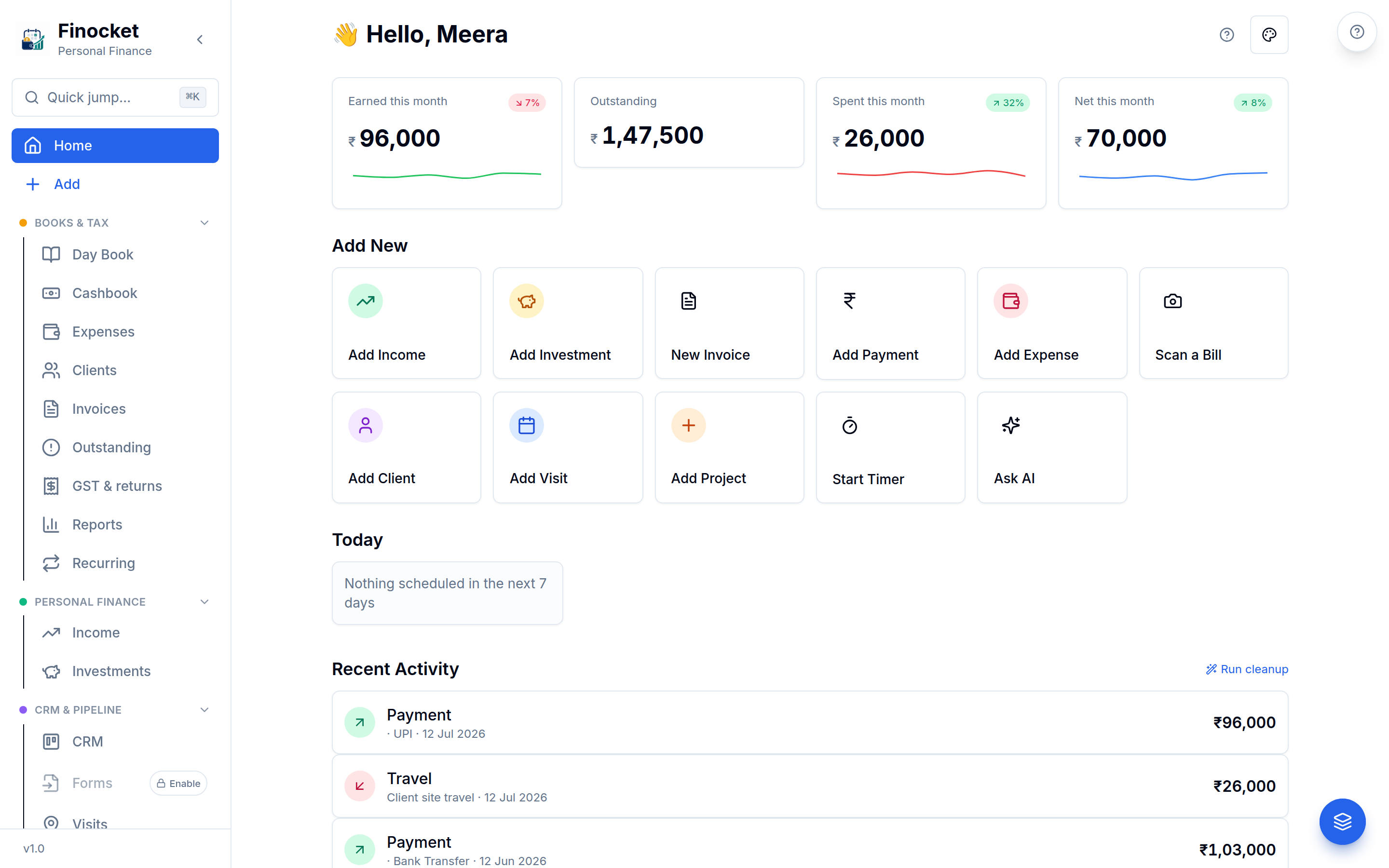
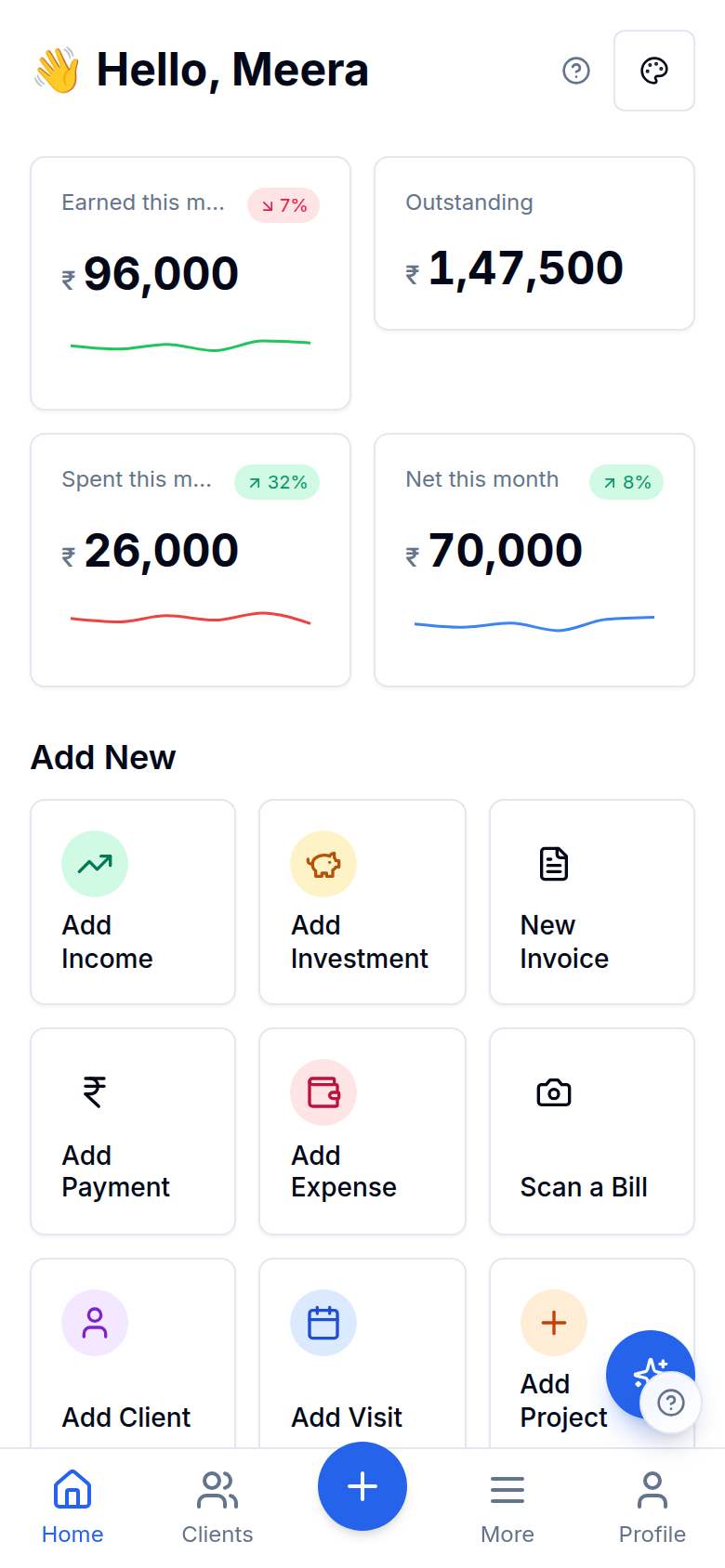
Inside Projects
Work grouped by engagement
See which work makes money
Projects
See which work makes money
The record your invoices draw from
Projects
The record your invoices draw from
Projects
See which work makes money
Projects
The record your invoices draw from
Works with the rest of Finocket
Part of CRM & pipeline. See how every module connects.
Questions
What is a project in Finocket?
A way to group the invoices, expenses and time for one piece of client work under a single named engagement, so the whole job's activity and profitability sit in one place.
Can I see if a project is profitable?
Yes. Because a project's billings and costs live on the same client record as your books, you can read what each engagement actually earned instead of guessing.
You see which client job actually makes money, not just which one keeps you busy.
Learn how it works
Projects & time tracking: organise work and track billable hours
Group work under client projects and run a one-tap timer with an hourly rate and billable flag, then turn unbilled time into a draft invoice in a couple of taps.
Document templates and the look of your invoices
Choose one of fifteen templates from a live preview (bill of material, retail bill, services, jewellery, pharmacy, works contract, export, quotation and more), then tune colours, columns, words, a cover page and a signature. Terms and notes are rich text.
Share an invoice, estimate or receipt on WhatsApp
Send a document from your own WhatsApp with a private link that expires and that you can switch off. Nothing is sent for you and no provider is involved.
3 min read
Ready to ditch the spreadsheet?
Free for solo users until 31 Dec 2026 — no partner code needed. ₹99/month after that. No credit card. Your books stay yours.