
Sales & purchase orders
Confirm the order before you bill it
Raise sales orders and purchase orders, compare vendor quotes on an RFQ, seed a draft PO on reorder, and convert a completed order into an invoice or a purchase bill in one tap, with a vendor portal for your suppliers.
What it solves
Between an agreed order and the invoice there's a gap where things get lost: you bill for the wrong quantity, forget what's still pending, or re-type the whole order into an invoice. Finocket lets you record the order first, track it open → fulfilled, and turn the completed one into an invoice or a bill in a single tap, so what you bill matches what you agreed.
How we're different
Sales and purchase orders aren't a standalone workflow. A fulfilled sales order becomes an invoice that draws stock down, and a purchase order becomes the bill that adds stock back, so ordering, billing and inventory are one continuous thread rather than three re-entries.

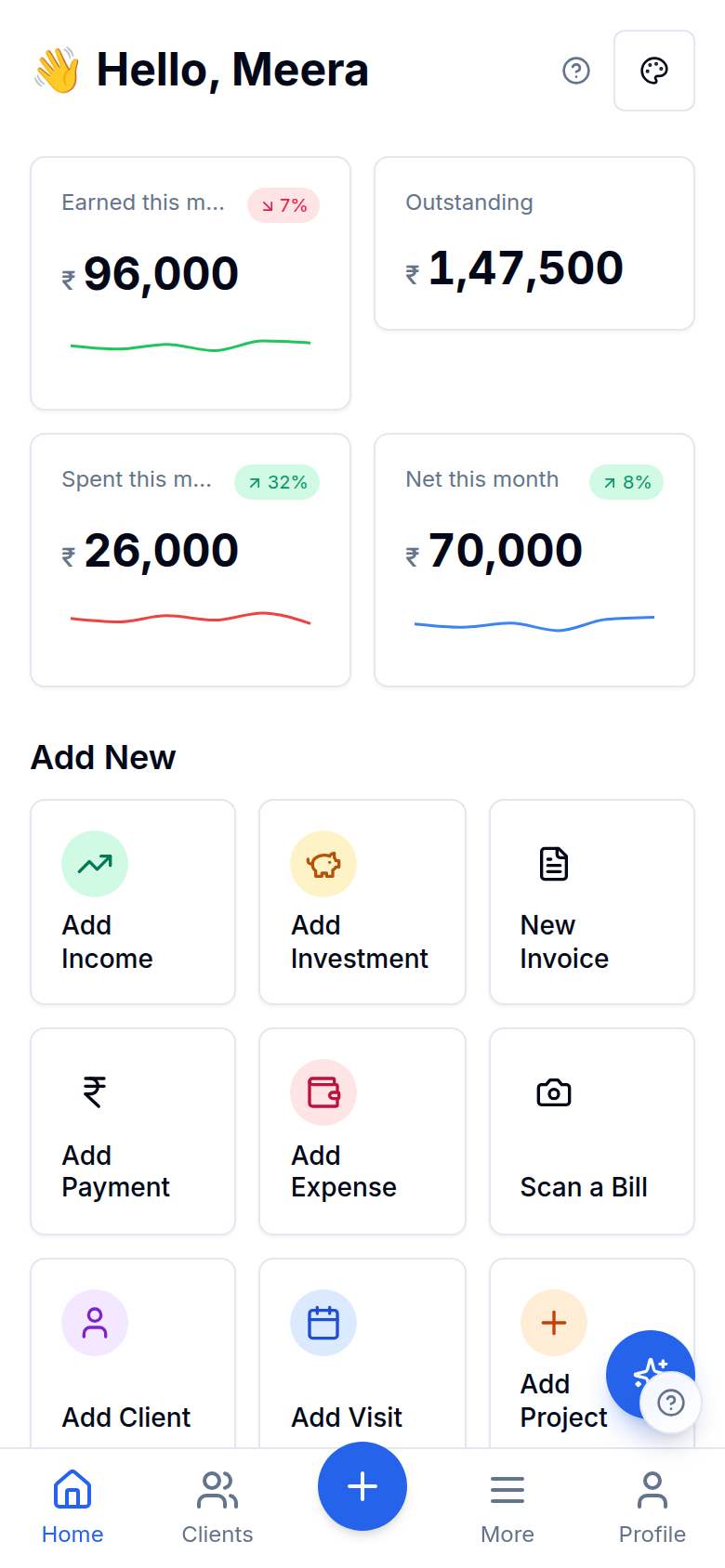
Inside Sales & purchase orders
Sales & purchase orders
Track open → fulfilled
Convert in one tap
Sales & purchase orders
Convert in one tap
RFQ → compare vendors → PO
Sales & purchase orders
RFQ → compare vendors → PO
Reorder → draft PO
Sales & purchase orders
Reorder → draft PO
Sales & purchase orders
Convert in one tap
Sales & purchase orders
RFQ → compare vendors → PO
Sales & purchase orders
Reorder → draft PO
More in Sales & purchase orders
A vendor portal for suppliers
Give a supplier one private link (no login) to see their POs, the bills recorded against them and their payment history, and to upload their invoice for review. An upload is attention-only: a person records the bill, and one link only ever resolves to one vendor.
Scan a PO or a supplier bill
Photograph a purchase order or a supplier bill and it's read into the same procurement records you'd otherwise type. A scanned PO lands as a DRAFT that a person promotes, and a recorded bill carries its match status from the shipped three-way match, line by line. It doesn't loosen the controls: an over-receipt still posts and still surfaces as an exception rather than being silently blocked.
Works with the rest of Finocket
Part of Inventory & manufacturing. See how every module connects.
Questions
Can I raise an order before invoicing?
Yes. Raise a sales order or purchase order, track it open → fulfilled, and convert the completed one into an invoice or a purchase bill in one tap, so what you bill matches what you agreed.
Do orders affect stock?
Converting a fulfilled sales order into an invoice draws stock down at weighted-average cost, and a purchase order converted to a bill adds stock back, so ordering and inventory stay one thread.
Can I compare vendor quotes and give suppliers a portal?
Yes. Raise an RFQ, record several vendors' quotes on the same lines, compare them on a best-price grid and convert the winner to a PO at its quoted prices. A low-stock item can seed a draft PO to its preferred vendor (draft only, never auto-sent), and each supplier gets a private link to see their POs, recorded bills and payment history and to upload an invoice for you to review.
You see every order that is still pending, and nothing gets billed twice or forgotten.
Learn how it works
The vendor portal
One private link lets a supplier see their purchase orders, the bills recorded against them and their payment history, and upload their invoice into a review list. Uploads are attention-only: nothing is posted to your books automatically. Expired or revoked links stop working instantly.
Document templates and the look of your invoices
Choose one of fifteen templates from a live preview (bill of material, retail bill, services, jewellery, pharmacy, works contract, export, quotation and more), then tune colours, columns, words, a cover page and a signature. Terms and notes are rich text.
Share an invoice, estimate or receipt on WhatsApp
Send a document from your own WhatsApp with a private link that expires and that you can switch off. Nothing is sent for you and no provider is involved.
3 min read
Ready to ditch the spreadsheet?
Free for solo users until 31 Dec 2026 — no partner code needed. ₹99/month after that. No credit card. Your books stay yours.