
Invoices & payments
From estimate to collected cash, in one flow
Quote it, get it accepted online, convert to an invoice in one tap, take a deposit, and let reminders, late fees and the client portal chase the balance for you.
What it solves
Getting paid is usually spread across a quote in Word, an invoice in another app and a follow-up you keep forgetting to send. Finocket makes it one flow: the estimate becomes the invoice, the invoice carries your tax split, a UPI QR and a WhatsApp share, and the reminders, late fees and client portal do the chasing, so the balance comes in without you re-typing anything or nagging by hand.
How we're different
Every document is a clean single-page A4 PDF with your logo, bank details and the exact tax breakdown. Payment and invoice are linked, so recording a payment flips the invoice to paid and drops your outstanding by the right amount.

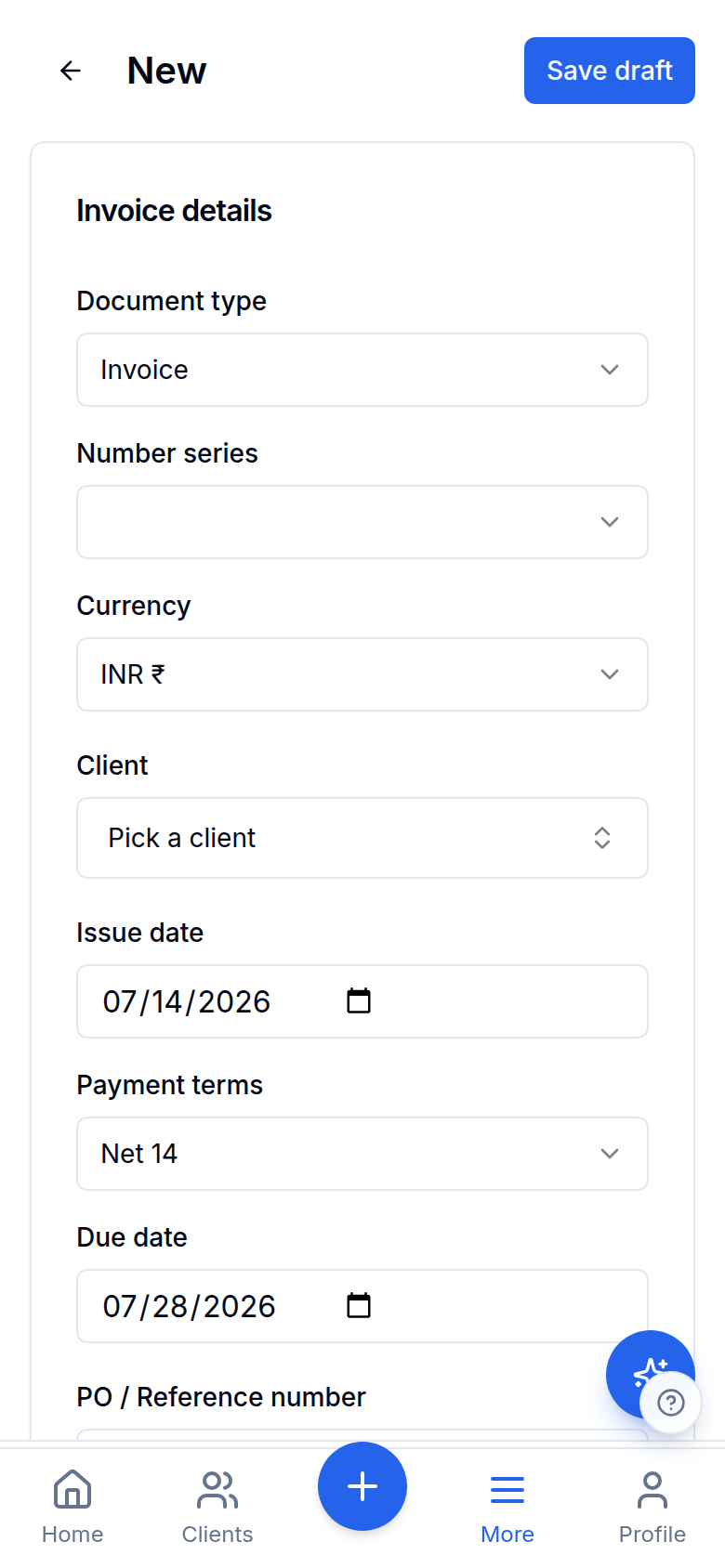
Inside Invoices & payments
Estimates your client accepts online
Deposits & payment schedules
Reminders & automatic late fees
Invoices & payments
Reminders & automatic late fees
A branded client portal
Invoices & payments
A branded client portal
Pay-by-UPI QR, WhatsApp & payment links
Invoices & payments
Pay-by-UPI QR, WhatsApp & payment links
Invoices & payments
Reminders & automatic late fees
Invoices & payments
A branded client portal
Invoices & payments
Pay-by-UPI QR, WhatsApp & payment links
More in Invoices & payments
Multi-currency, rate-locked
INR plus 16 foreign currencies with the FX rate snapshotted per invoice, so historical totals never drift when rates move.
Onboard a client from a photo of their papers
Photograph a PAN card, a GST registration certificate or a cheque and the client form fills itself, each identifier checksum-validated before it's offered. It fills BLANKS only, so a value you already typed is never overwritten, and Save is always the confirm. The data-protection story is enforced by the database rather than promised in a policy: an Aadhaar can only ever be stored as its last four digits because no column exists that could hold the whole number, and the source image for an identity document is never uploaded at all.
Works with the rest of Finocket
Part of Invoicing & payments. See how every module connects.
Questions
Can I send estimates and take a deposit?
Yes. Send an EST-numbered estimate with a hosted accept page, convert the accepted one to an invoice in a tap, then ask for a deposit percentage up front or split the invoice into milestones that reminders and the portal chase for you.
How do clients pay?
Every INR invoice carries a UPI QR and shares to WhatsApp in one tap; you can also create a hosted payment link (a Razorpay pay page) for card/UPI. The payment appears against the invoice automatically and outstanding drops by the right amount.
Does it handle foreign clients?
Yes. Invoice in INR or 16 other currencies with the FX rate locked per invoice, so you can bill overseas clients in their own currency.
You get paid faster, because the invoice, the reminder and the payment record are all in one place.
Where this wins
Learn how it works
Clients, projects and invoices
Add clients with GSTIN + state auto-fill. Send invoices (tax invoice, bill of supply, export invoice, receipt or credit note), start from an estimate, or split an invoice into a deposit + milestone schedule.
Document templates and the look of your invoices
Choose one of fifteen templates from a live preview (bill of material, retail bill, services, jewellery, pharmacy, works contract, export, quotation and more), then tune colours, columns, words, a cover page and a signature. Terms and notes are rich text.
Share an invoice, estimate or receipt on WhatsApp
Send a document from your own WhatsApp with a private link that expires and that you can switch off. Nothing is sent for you and no provider is involved.
3 min read
Ready to ditch the spreadsheet?
Free for solo users until 31 Dec 2026 — no partner code needed. ₹99/month after that. No credit card. Your books stay yours.