
Finocket for Online Sellers
Marketplace orders in, GST invoices and a per-marketplace reconciliation out
Convert marketplace orders into GST invoices with the CGST, SGST or IGST split worked out, compare your own sales with each marketplace's settlements before you file, and see gross, commission, shipping, TCS and net payout per channel each month. The TCS an operator reports in GSTR-8 is not checked against your books yet.
The problems we fix first
Marketplace sales are retyped into the books
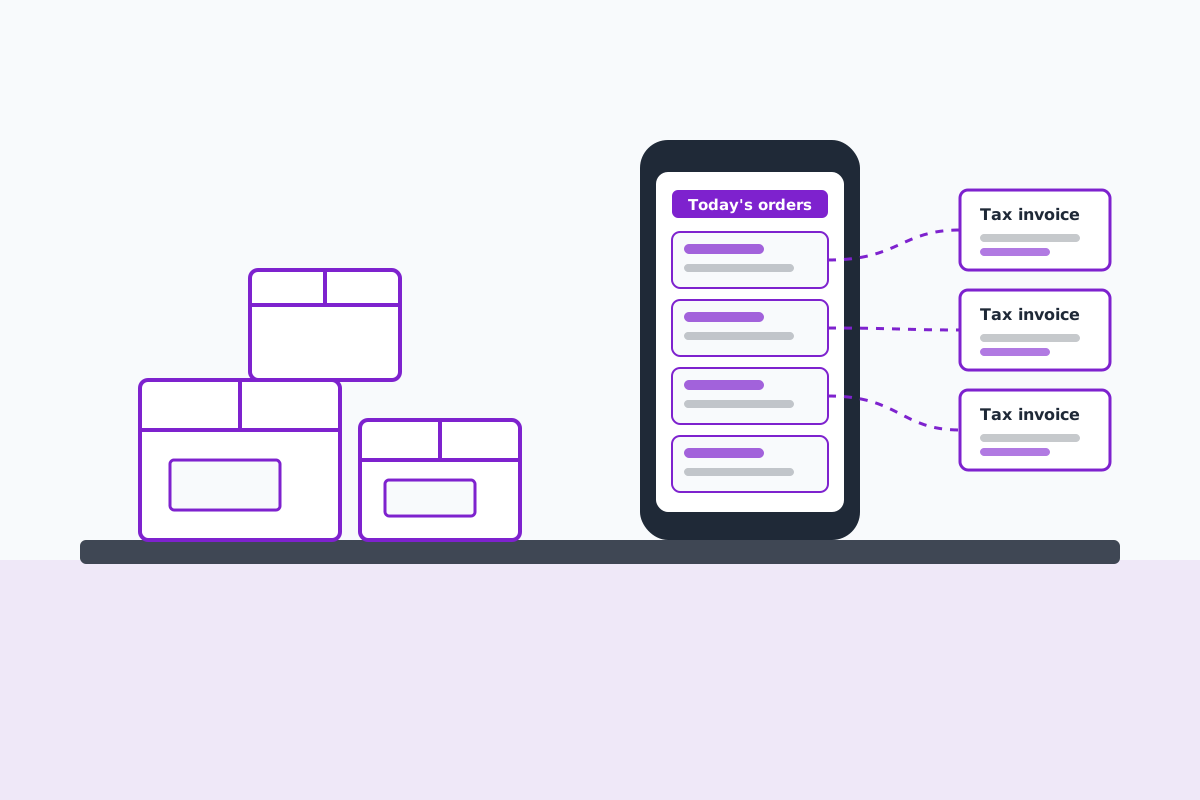
Today: Download each marketplace's order or tax report every month and key the sales into accounting software or a spreadsheet, one channel at a time.
With Finocket: Bring orders in from a connected marketplace or its CSV report and convert the ticked orders into GST invoices with the tax split worked out.
Getting CGST/SGST or IGST right for every buyer's state
Today: Work out the place of supply by hand or trust a marketplace report's split without checking it.
With Finocket: Invoices raised from orders pick the tax head from the place of supply.
The operator's TCS is never checked against your own sales
Today: Accept the TCS credit that appears and move on, or compare GSTR-8 figures in a spreadsheet at year end.
With Finocket: Reconciliation compares the taxable value of your invoices with each marketplace's settlements before you file. Checking the TCS an operator reported in GSTR-8 is not built yet; compare it on the GST portal.
How it works, end to end
- Purchase
- Stock
- Listing
- Sale
- Fulfilment
- Billing
- Returns
- GST
- Collections
- Accounts
- Reporting
Built for
- Sellers on Amazon.in, Flipkart and Meesho who file their own GST
- D2C brands running a Shopify or WooCommerce store alongside marketplaces
- Small brands selling to Blinkit, Zepto or Instamart from one or two warehouses
- The accountant or CA who books a seller's marketplace sales every month
What you get
MRP on every item
An MRP field on each item. It prints once you switch your document template to Retail bill and press Set up recommended fields there; the default distributor template does not print it, and marketplace listings do not read it yet.
Net quantity
A field for the net quantity with its unit, such as 500 g or 2 x 250 ml, kept once on the item. It is stored as you type it; nothing checks it against Legal Metrology rules yet.
Common or generic name
A field for the common or generic name next to your brand name. It is kept on the item; listings and invoices do not read it yet.
Manufacturer, packer or importer
A field for the name and address of the manufacturer, packer or importer. It is kept on the item; no channel reads it yet.
Parcel weight
A field for the packed weight in grams per item. When you book a parcel against a bill whose items all carry it, the weight box fills in from them (weight times quantity); a weight you type always wins.
Freight as a GST charge
A freight line you can add to an invoice, with SAC 996511 and the GST rate from your settings, so shipping you bill is taxed the same way each time you use it.
E-way bill details
E-way bill number, vehicle number and transporter on the invoice for B2B dispatches and stock moved to a marketplace warehouse.
Warehouse operator role
An offered role for the person who picks, packs and receives returns, without access to your books.
Merchandiser role
An offered role for whoever maintains items, prices and listing details, kept apart from payments and GST.