
Accounts & unified Inbox
The company, not the contact, and every thread against it
Roll the four people you deal with at one firm into a single account, and read every email and WhatsApp thread with them on one timeline, with contact enrichment and Meta lead-ads landing straight in the pipeline.
What it solves
You do not sell to a person, you sell to a firm. But the purchase manager emails, the owner is on WhatsApp and the accounts clerk chases the invoice, and each of them is a separate row that knows nothing about the other two. So a quote goes out twice, a chased payment gets chased again, and nobody can answer “where are we with them” without opening four screens. Accounts make the firm the record and the people its contacts; the Inbox puts every thread with any of them in one place, in the order they happened.
How we're different
The Inbox is not a second mailbox to keep up with — it reads the mail and WhatsApp you already use and files each thread against the account it belongs to, so the history is a by-product of working normally rather than something you maintain. And because the account sits on the same records as your books, the timeline carries the invoices and payments beside the conversation instead of linking out to them.
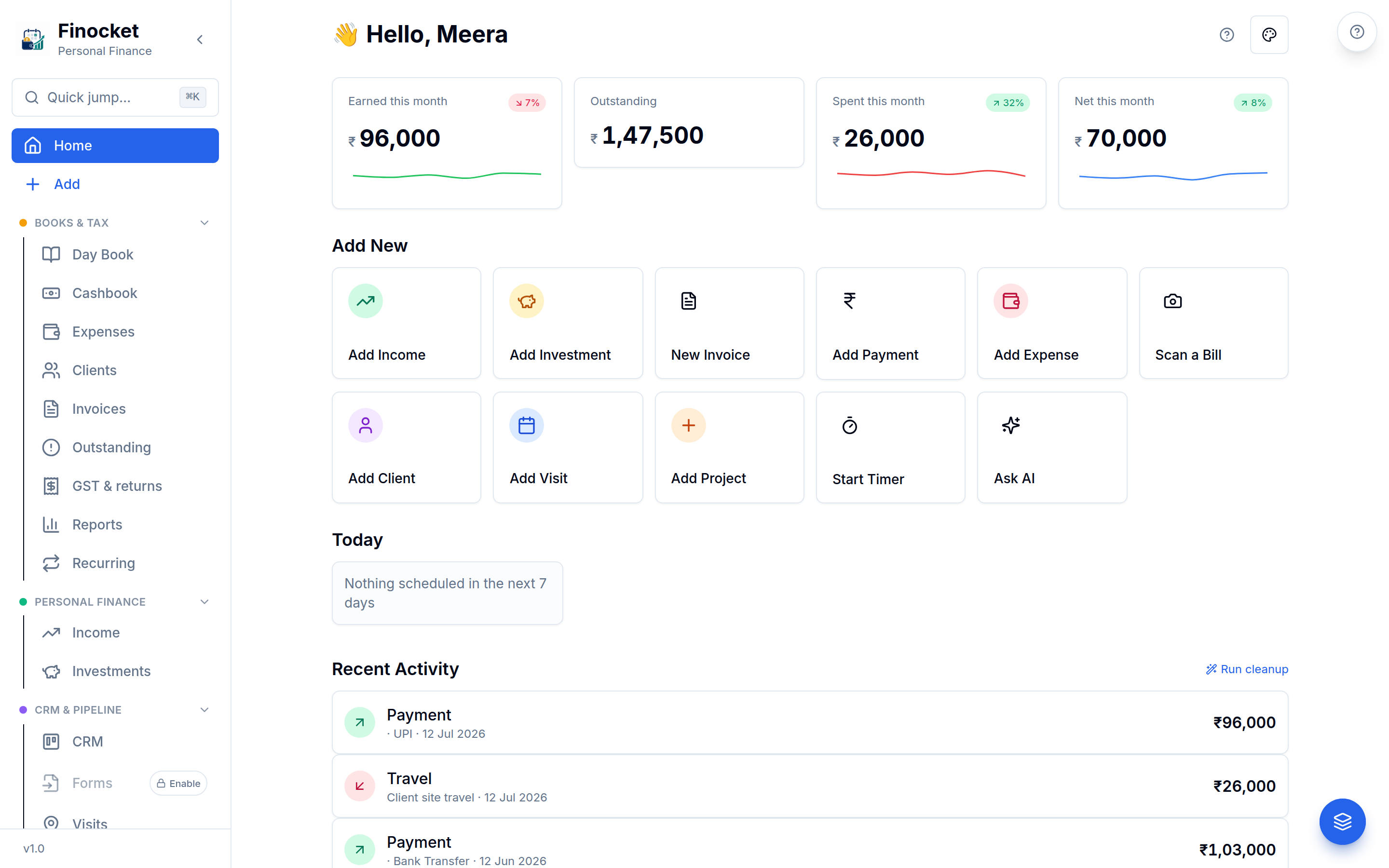
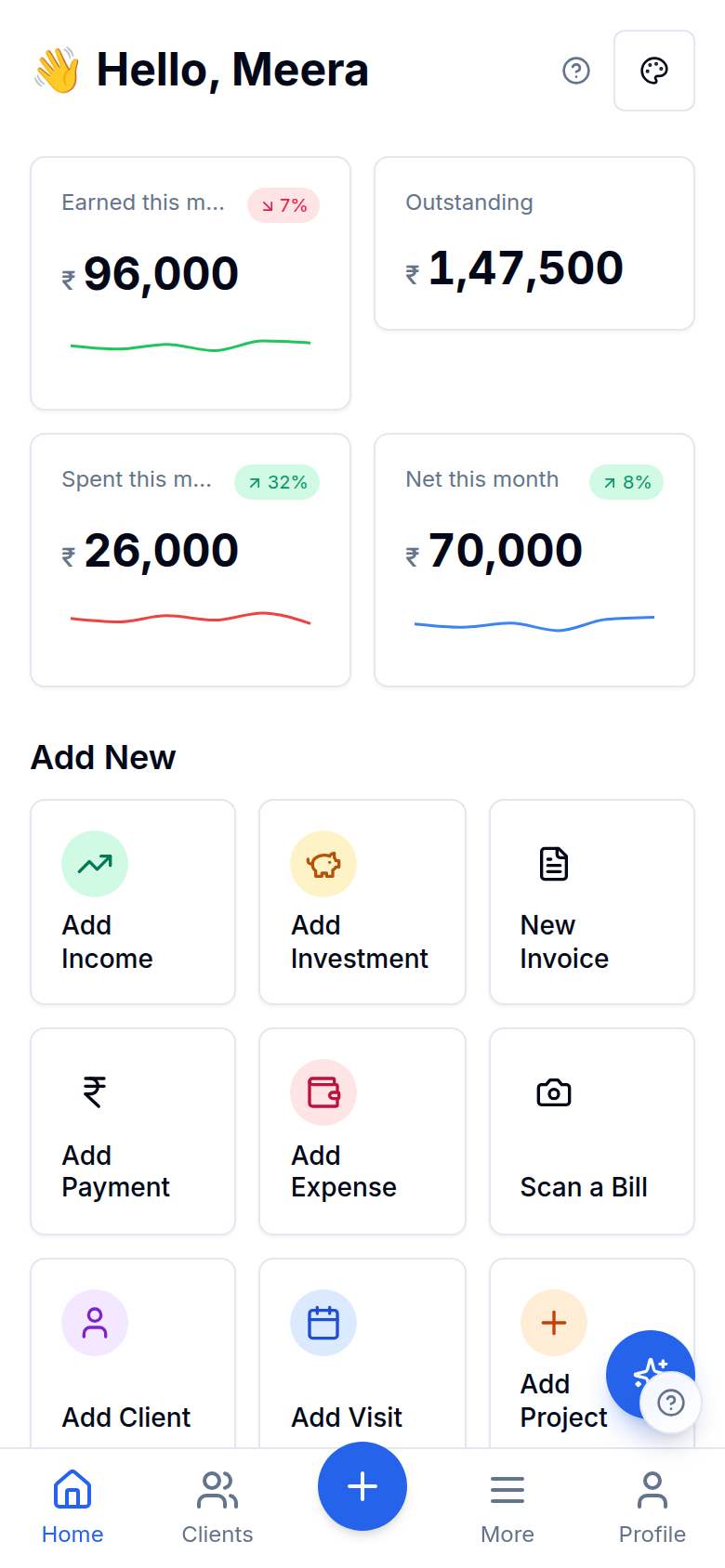
Inside Accounts & unified Inbox
One firm, every person
Mail and WhatsApp on one timeline
Accounts & unified Inbox
Mail and WhatsApp on one timeline
Enrichment you can see the source of
Accounts & unified Inbox
Enrichment you can see the source of
Lead ads that arrive as leads
Accounts & unified Inbox
Lead ads that arrive as leads
Accounts & unified Inbox
Mail and WhatsApp on one timeline
Accounts & unified Inbox
Enrichment you can see the source of
Accounts & unified Inbox
Lead ads that arrive as leads
Works with the rest of Finocket
Part of CRM & pipeline. See how every module connects.
Questions
Which plan is this on?
Business and above. The lead half of the CRM — the pipeline, leads, calls and the WhatsApp templates — is on Growth; Accounts and the unified Inbox are the depth on top of it.
What happens on a patchy connection?
Accounts and the Inbox read live from your mail and WhatsApp providers, so they need a live connection and say so rather than failing quietly — a thread that was never fetched is not on your device to read. The rest of the CRM, including your pipeline, is a separate module with its own answer.
Do I have to move my email to Finocket?
No. You connect the mailbox you already use; Finocket reads the threads and files them against the account. Your mail stays where it is.
You see the whole customer company at once: every person, every deal and every conversation.
Learn how it works
Accounts: companies, not just contacts
Contacts and deals from the same company are grouped under one account automatically (from their business email domain), with a single view of that company's people, deals and history, and a roster that says who to reach for what.
Leads: capture, score, route and respond on time
Every enquiry (form, QR, booking, WhatsApp, call, email, SMS, voice note, or one you add by hand) lands on one deduplicated Leads board, gets scored A–D, assigned to a teammate, and started on a first-response timer.
CRM & deals: pipeline, follow-ups and the customer ledger
Work a sales pipeline inside your books: auto-created deals for every captured lead, one-tap invoicing from a deal, follow-ups on WhatsApp or email, a per-client money ledger, and consent-safe lead import.
Ready to ditch the spreadsheet?
Free for solo users until 31 Dec 2026 — no partner code needed. ₹99/month after that. No credit card. Your books stay yours.