
Finocket for Pharmacies
Bill medicines with batch and expiry on every line
Keep MRP, salt name and manufacturer on each item, flag Schedule H, H1 and X medicines, and keep GST books for your medical store.
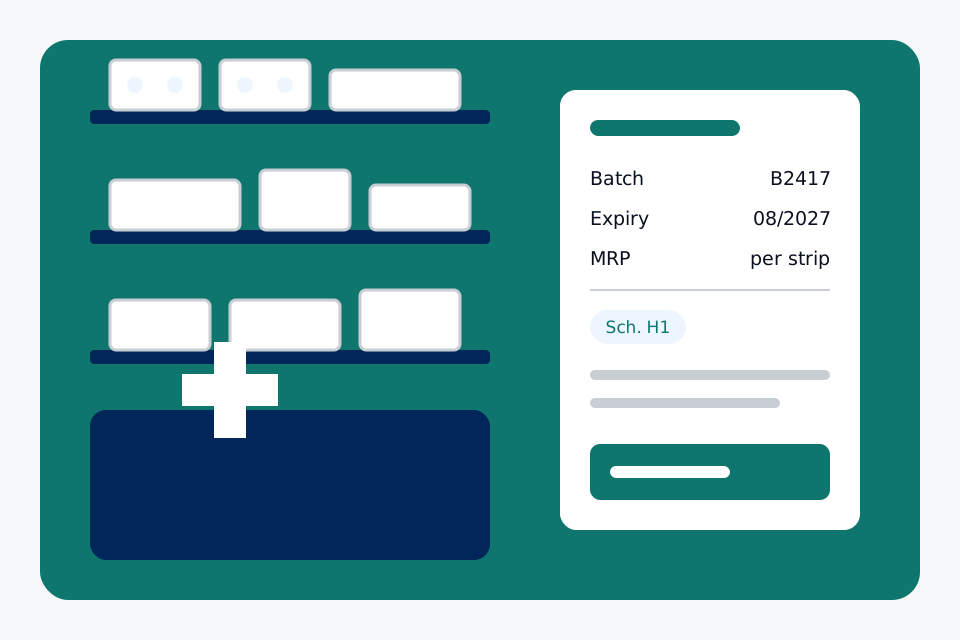
The problems we fix first
Batch and expiry written by hand, or missing from the bill
Today: The salesperson reads the strip and writes the batch and expiry on a handwritten bill, or leaves them off.
With Finocket: Each bill line has batch and expiry columns that the pharmacy template prints.
Expired stock found on the shelf
Today: Someone checks shelves by eye every few weeks and pulls what has expired.
With Finocket: Stock is kept by batch and expiry, and the earliest-expiring batch with stock is attached to a bill line automatically when you have not typed a batch. Returning expired stock to the distributor is not built yet.
Schedule H1 register kept in a notebook
Today: The pharmacist writes the prescriber, patient and medicine in a bound register after the sale.
With Finocket: Mark a medicine's schedule on the item. The register records prescriber and pharmacist details and warns on gaps; it does not block a sale.
How it works, end to end
- Purchase from distributors
- Stock by batch and expiry
- Item master
- Counter sale
- Schedule H, H1 and X
- Billing
- GST
- Collections and payments
- Customer follow-up
- Accounts and reporting
Built for
- Neighbourhood medical stores and chemists with one counter
- Pharmacies with a registered pharmacist and 1 to 10 staff
- Stores that buy from several distributors and need batch and expiry on every bill
- Owners who keep a desktop billing package next to Tally
- CAs who look after chemists' GST and books
What you get
Batch and expiry on the bill
Each bill line carries the batch and expiry date, printed by the pharmacy template.
Medicine details
Store MRP, salt or generic name, manufacturer, composition, dosage form and pack size on each item.
Schedule H, H1 and X
Mark a medicine's schedule on the item. The prescription register records the prescriber and pharmacist and warns on gaps; it does not block a sale.
Earliest expiry first
At billing, the earliest-expiring batch with stock is attached to the line automatically when you have not typed a batch. It picks one batch per line and is not split across batches or chosen by godown.
Drug licence number on the bill
Enter your drug licence number on the invoice and it prints on the bill.
Counter billing by strip
Items default to the strip as the unit, with stock tracked as you sell.
Distributor purchases
Record distributor bills and match your purchase GST against GSTR-2B.
GST and books
Bills post to double-entry books, and GSTR-1 and GSTR-3B are prepared from them.