
Recurring rules
Retainers, subscriptions and SIPs that post themselves
Set a rule once and monthly retainers, subscriptions, salaries, SIPs and balanced journal vouchers auto-post on schedule, so your books never fall behind.
What it solves
The predictable money (the monthly retainer, the SaaS subscription, staff salaries, your SIPs) is exactly what you forget to enter, and books drift out of date one skipped month at a time. Finocket turns each into a rule that posts itself on schedule, so the repeating entries are always there without you remembering to add them.
How we're different
A recurring rule posts straight into the same double-entry ledger as everything else, so a retainer that recurs shows up in your P&L, cashflow and outstanding automatically, exactly like an invoice you raised by hand.
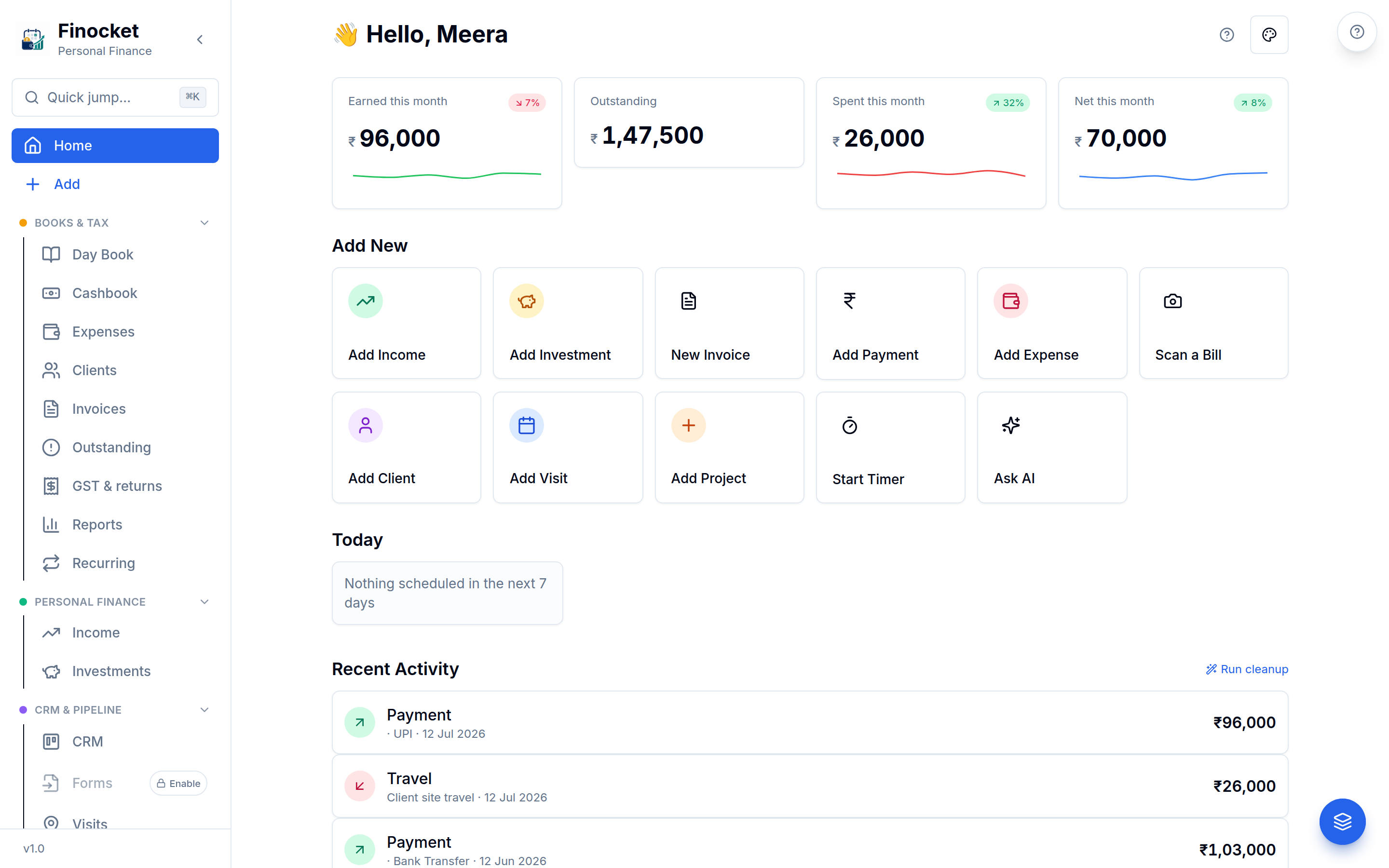
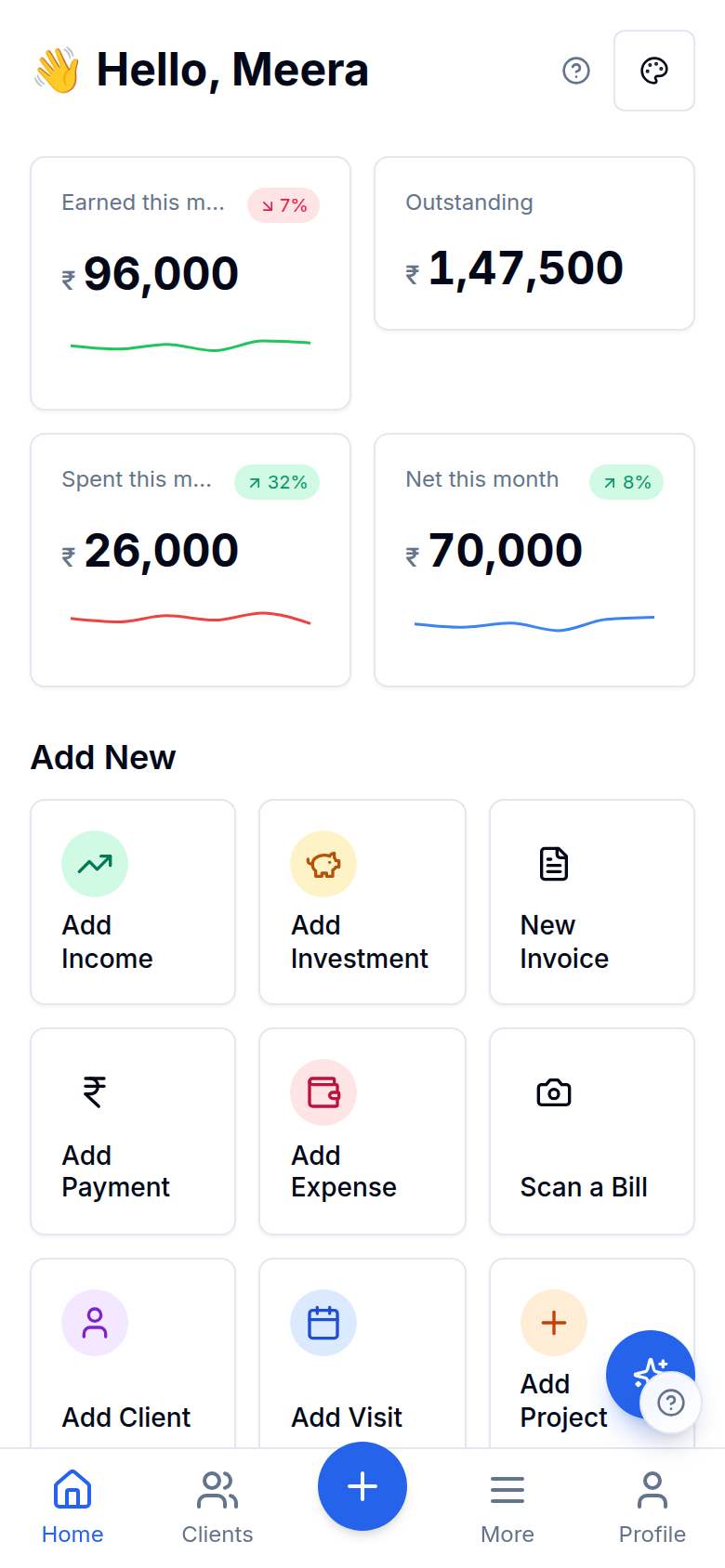
Inside Recurring rules
Auto-post on a schedule
Straight into your books
Recurring rules
Straight into your books
Both sides of the money
Recurring rules
Both sides of the money
Recurring journal vouchers
Recurring rules
Recurring journal vouchers
Recurring rules
Straight into your books
Recurring rules
Both sides of the money
Recurring rules
Recurring journal vouchers
Works with the rest of Finocket
Part of Double-entry books. See how every module connects.
Questions
What can I set to recur?
Monthly retainers, subscriptions, staff salaries, SIPs and balanced journal vouchers: anything that repeats on a schedule. Set the rule once and each entry posts itself on its due date.
Do recurring entries affect my books?
Yes. Each one posts to the same double-entry ledger as your invoices and expenses, so your P&L, cashflow and outstanding stay up to date automatically. Recurring journal vouchers are idempotent per period and always balance.
Your books never fall behind on the bills and invoices that repeat every month.
Learn how it works
Recurring rules: retainers, salaries & SIPs
Set a rule once (income, expense or invoice, daily to yearly with an every-N interval) and Finocket posts the entry on schedule, even when the app is closed. Invoice rules create drafts for you to review and send.
Document templates and the look of your invoices
Choose one of fifteen templates from a live preview (bill of material, retail bill, services, jewellery, pharmacy, works contract, export, quotation and more), then tune colours, columns, words, a cover page and a signature. Terms and notes are rich text.
Share an invoice, estimate or receipt on WhatsApp
Send a document from your own WhatsApp with a private link that expires and that you can switch off. Nothing is sent for you and no provider is involved.
3 min read
Ready to ditch the spreadsheet?
Free for solo users until 31 Dec 2026 — no partner code needed. ₹99/month after that. No credit card. Your books stay yours.