
Finocket for Printing
Every print job, billed with its specification
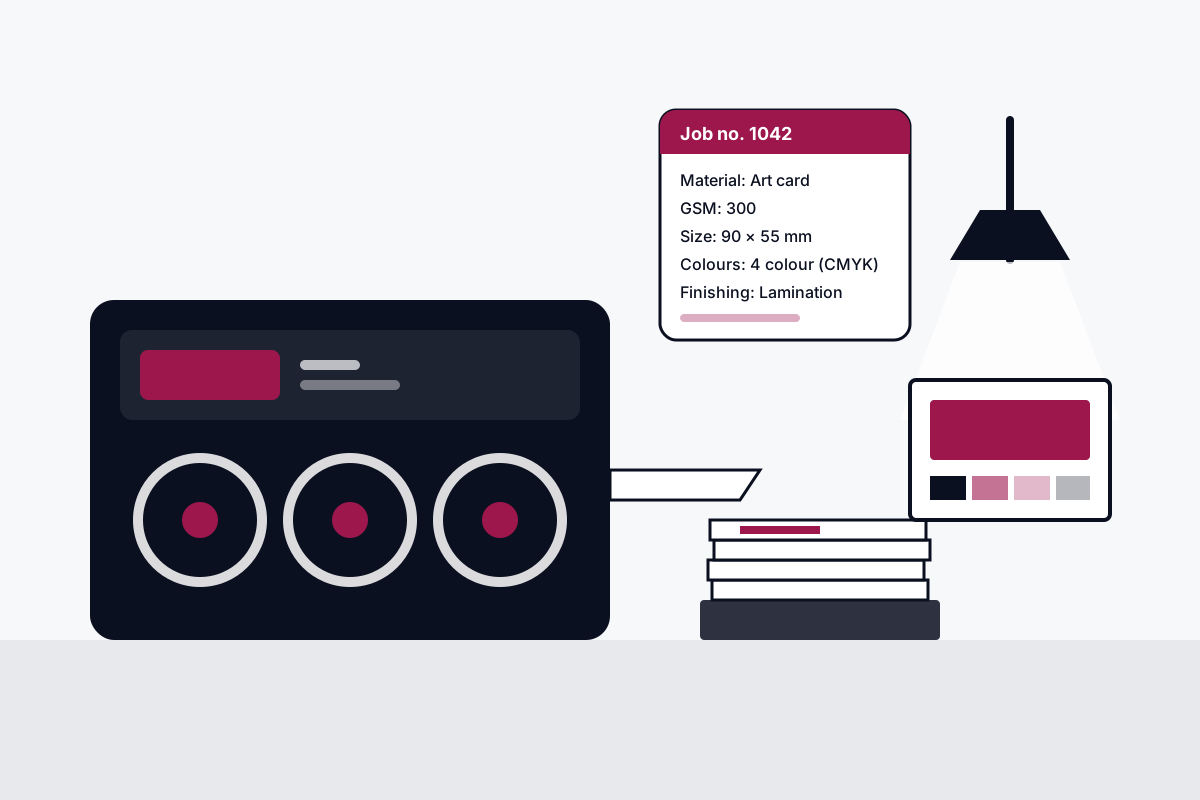
Finocket for Printing is GST billing and double-entry books for printing and packaging presses in India. Material, GSM, finished size, colours and finishing print on each estimate and invoice line; job number, delivery date, proof approval date and paper supplied by are saved on the record and do not print on the bill. Built for offset, digital, flex, label and packaging printers.
The problems we fix first
The job's specification never reaches the bill
Today: Size, GSM, colours and finishing arrive on WhatsApp or by phone, and the bill just says 'printing charges'.
With Finocket: Material, GSM, finished size, colours and finishing sit on each invoice line, so the bill is the job record.
Nobody remembers whose paper it was
Today: Customer-supplied paper is noted in a register or not at all, and the accountant asks months later.
With Finocket: 'Paper supplied by' is recorded on the job, and your CA sees it in the same books. Finocket never picks the rate.
Proof approvals are verbal
Today: The customer says 'okay, print it' on a call, and the proof sits in a chat thread.
With Finocket: The proof approval date is a field on the job record, so the date is there when someone asks. Versioned online proof approval is not built yet.
How it works, end to end
- Enquiry
- Quote
- Job card
- Paper and ink purchase
- Production
- Delivery
- Billing
- GST
- Collections
- Accounts
- Reporting
Built for
- Offset printing presses
- Digital print shops
- Flex and signage printers
- Label printers
- Carton and packaging printers
What you get
Job number and delivery date on every job
Each estimate and invoice record saves its own job number and promised delivery date for your team's reference. Both stay on the record and do not print on the bill.
Whose paper it was
Save on the estimate or invoice record whether the paper was yours or the customer's, so your CA has that detail when classifying the job for GST. It stays on the record and does not print on the bill.
Proof approval date
Note the day the customer approved the proof on the estimate or invoice record, so your team can look the date up instead of asking around. The date is for your records and does not print on the bill.
Material, GSM and finished size on every line
The same item, say visiting cards, can carry a different specification on each order. Material, GSM and finished size print on each estimate and invoice line, so both documents show the specification.
Colours per line
Black only, 2 colour, CMYK, CMYK plus spot, or spot only: pick it on each estimate and invoice line, so the estimate and the bill carry the same colour set.
Finishing per line
Lamination, UV coating, foiling, embossing, die cutting, creasing, binding and numbering, picked on each estimate and invoice line, so the finishing you quote appears on the bill.
GST invoices and books in one place
Bill per job in numbers, with the HSN or SAC that your item carries, and the sale lands in double-entry books the same moment. Finocket never picks the rate for you.
Your CA in the workspace
Invite your accountant to the same books with the accountant role, offered and never forced, instead of sending files at the end of the month.