
Cost centres
See which branch, project or team actually makes money
Tag invoices and expenses to a cost centre (a branch, project or team) or split a single invoice or journal LINE across several dimensions at once, and read a profit & loss per centre.
What it solves
A single company P&L hides the truth that one branch subsidises another, or that a project is quietly loss-making. Finocket lets you tag each invoice and expense to a cost centre, so you can read a separate P&L per branch, project or team and see exactly where the money is really made and lost.
How we're different
A per-centre P&L isn't a second set of books to maintain. It reads the same postings your company accounts already run on, so tagging a transaction is the only extra step and the centre-level view stays perfectly consistent with the whole.
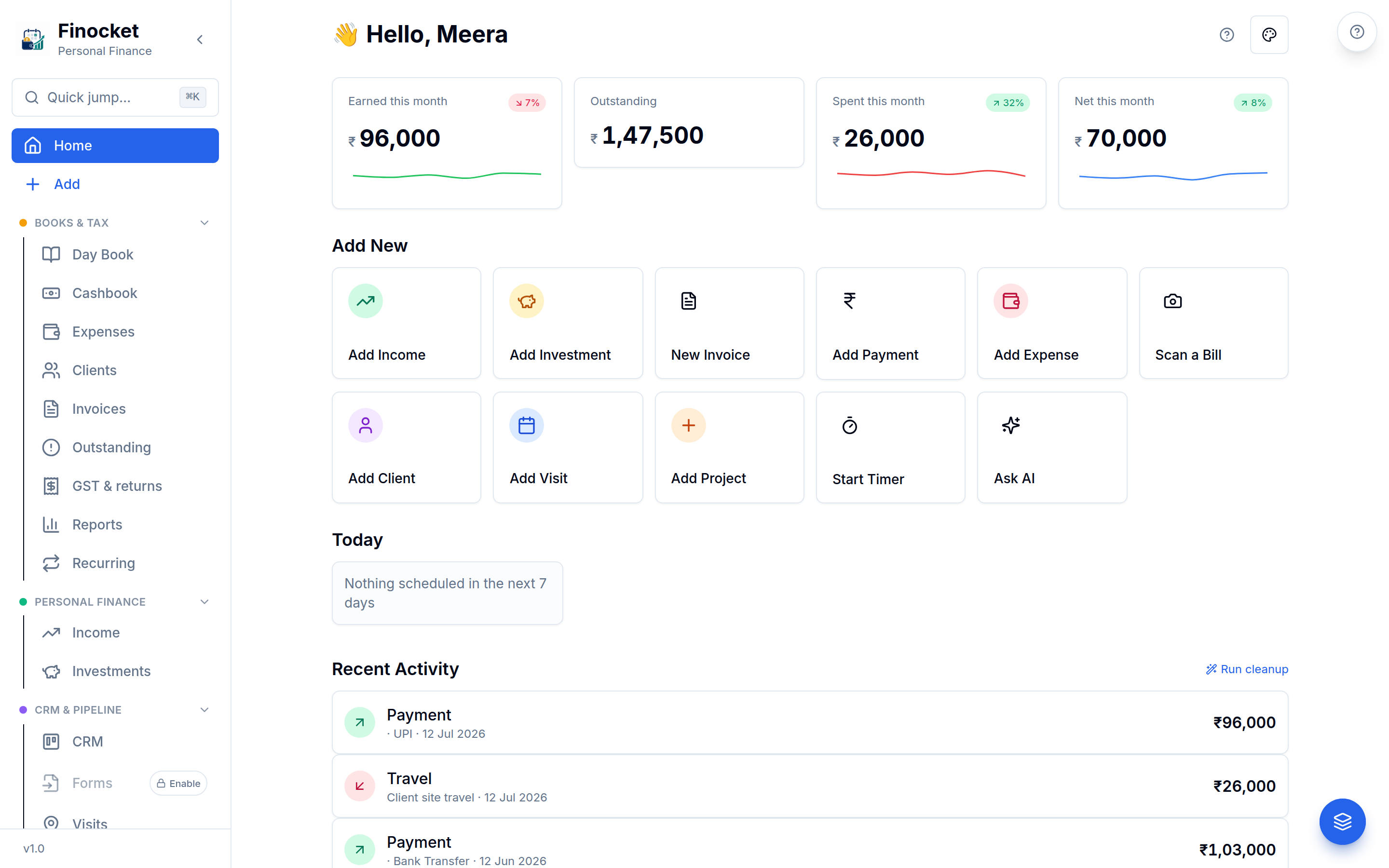
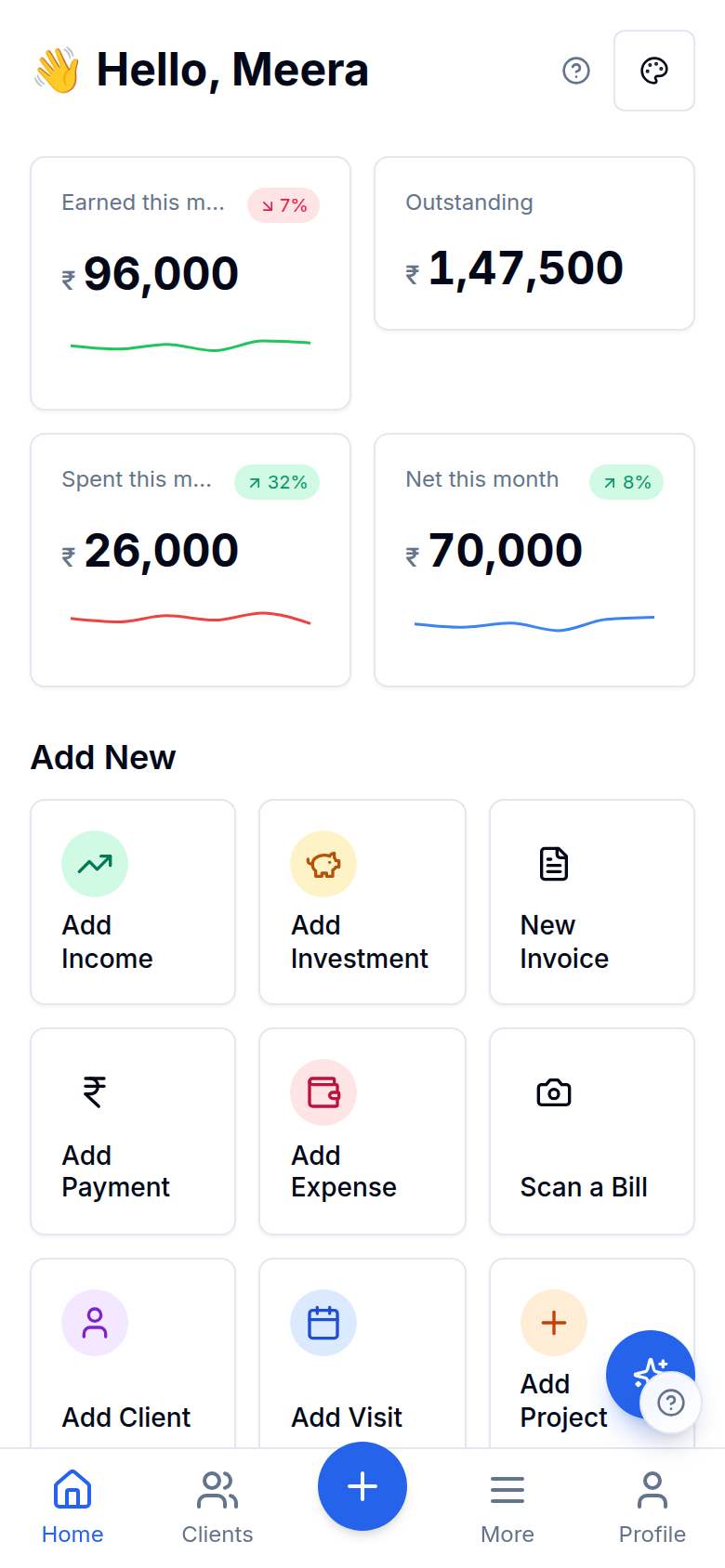
Inside Cost centres
Tag transactions to a centre
A P&L per cost centre
Cost centres
A P&L per cost centre
One ledger, many lenses
Cost centres
One ledger, many lenses
Split one transaction by %
Cost centres
Split one transaction by %
Per-LINE, across several axes at once
Cost centres
Per-LINE, across several axes at once
Cost centres
A P&L per cost centre
Cost centres
One ledger, many lenses
Cost centres
Split one transaction by %
Cost centres
Per-LINE, across several axes at once
Works with the rest of Finocket
Part of Double-entry books. See how every module connects.
Questions
What is a cost centre here?
Any slice of the business you want to measure on its own: a branch, a project or a team. Tag invoices and expenses to it and Finocket produces a profit & loss for that centre alone.
Is it a separate set of books?
No. The per-centre P&L reads the same postings as your company accounts, so tagging a transaction is the only extra step and the totals always reconcile.
Can one transaction go to more than one cost centre?
Yes. Split a single invoice or expense across several cost centres by percentage. The percentages must sum to 100, the amounts foot to the paise, and the per-centre P&L still ties back exactly to the unsplit total.
Can I split one invoice LINE across a branch and a project at the same time?
Yes. A single invoice line, or a single journal line, can be distributed across several dimension axes at once, each axis footing independently to exactly 100%. Dimensions are typed, so a branch split and a project split can't contaminate each other, and the distribution is readable over the REST API and by an AI agent. It stays a reporting distribution: it never changes what posts to the general ledger.
You read a profit and loss per branch or project, so you know which one actually makes money.
Learn how it works
Cost centres: profit & loss per branch, project or team
Tag invoices and expenses to a cost centre and read a profit & loss for each one, so you can see which branch, project or team actually makes money.
Document templates and the look of your invoices
Choose one of fifteen templates from a live preview (bill of material, retail bill, services, jewellery, pharmacy, works contract, export, quotation and more), then tune colours, columns, words, a cover page and a signature. Terms and notes are rich text.
Share an invoice, estimate or receipt on WhatsApp
Send a document from your own WhatsApp with a private link that expires and that you can switch off. Nothing is sent for you and no provider is involved.
3 min read
Ready to ditch the spreadsheet?
Free for solo users until 31 Dec 2026 — no partner code needed. ₹99/month after that. No credit card. Your books stay yours.